Why add a lock box?
Linking the worksheet to something tangible ups the stakes. A physical treat box gives instant feedback: crack the math, grab the goodies! The anticipation alone keeps kids tackling the next equation.
MathBlast’s codelist element lets you drop secret keycodes onto the worksheet canvas. When kids solve the code, they earn the digits needed to open a reward box. Bringing the puzzle into the real world creates an engaging experience that keeps students buzzing until the last problem is complete.
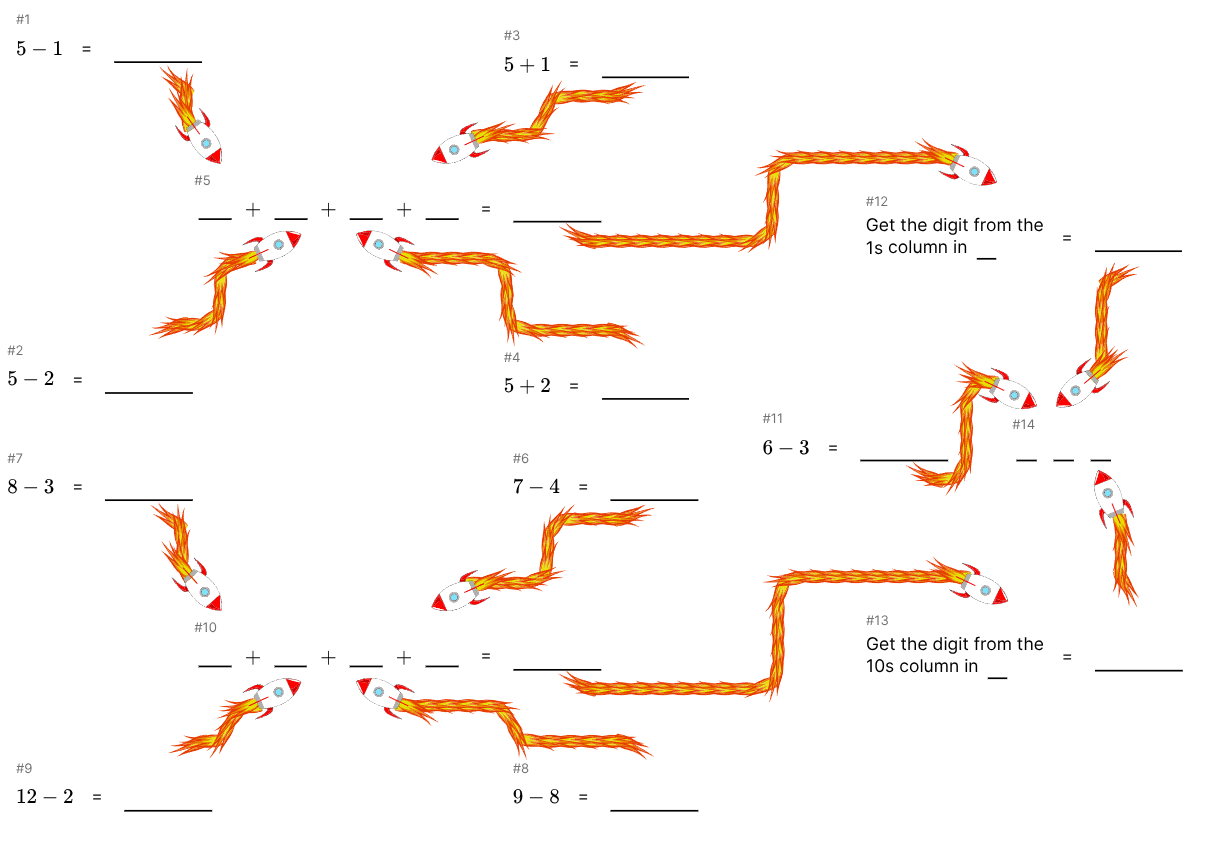
Drop the codelist onto any worksheet to display a code made from the output of other equations, or chains of equations. Each solved equation chain can reveal a digit, and once every slot is filled the child has the final code needed to unlock their prize box.
Linking the worksheet to something tangible ups the stakes. A physical treat box gives instant feedback: crack the math, grab the goodies! The anticipation alone keeps kids tackling the next equation.
The key to math skill is practise and repition. Adding a prize unlock boosts focus. The mix of logic, puzzle following, and a reward incentive makes repetition fun rather than a chore.
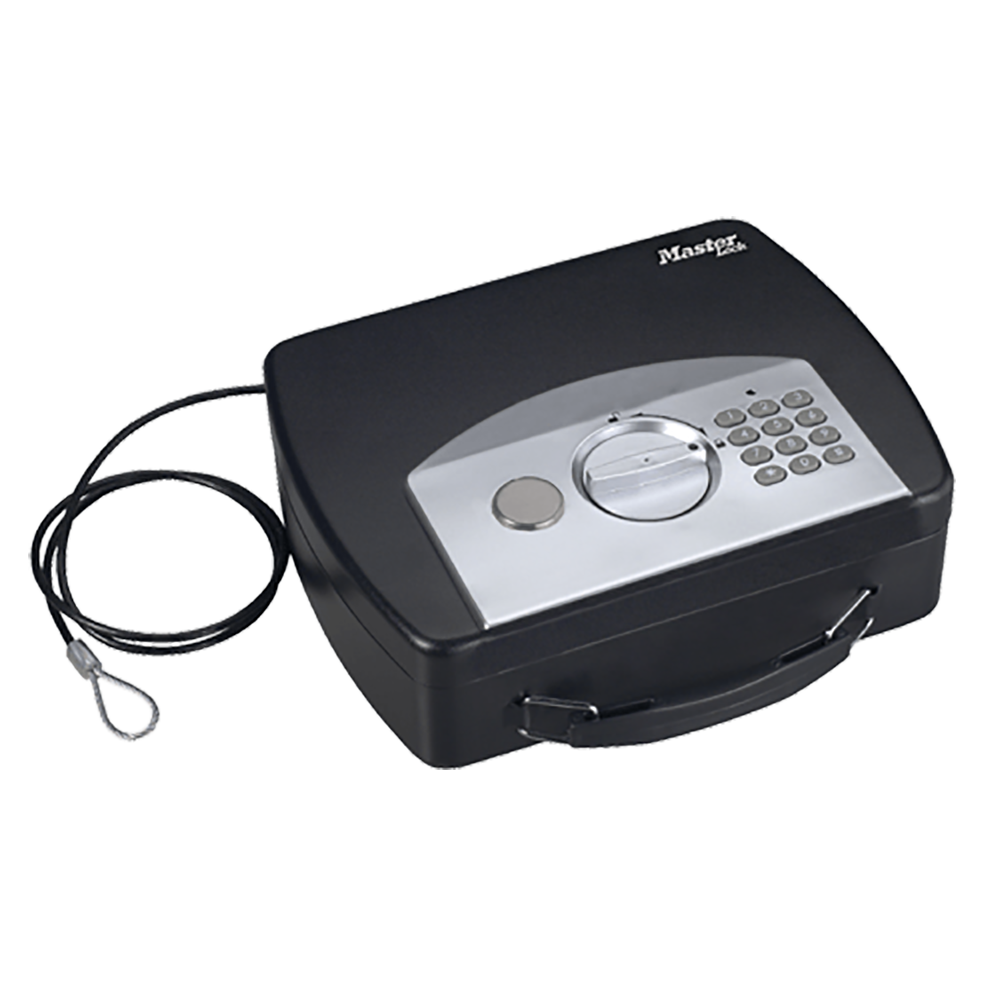
Here at MathBlast HQ we've looked into a lot of lock box options. This compact electronic lock box is one of the best value we've found that hits a sweet spot for classroom or kitchen-table missions.
Heads-up: it's ideal for treats, not high-value items. The shell is lightweight, so keep your valuables elsewhere. In fact at a pinch, if you've lost the code and keys, a grown up can even push in the side a bit and press the button to reset the code with something long and thin! This is actually a bonus for our purposes, but means it's not ideal for real safe keeping. However, for “finish your worksheet, win a surprise” it's perfect.
Check the lock box on AmazonAffiliate link disclosure: As an Amazon Associate we may earn from qualifying purchases. Thanks for supporting MathBlast!
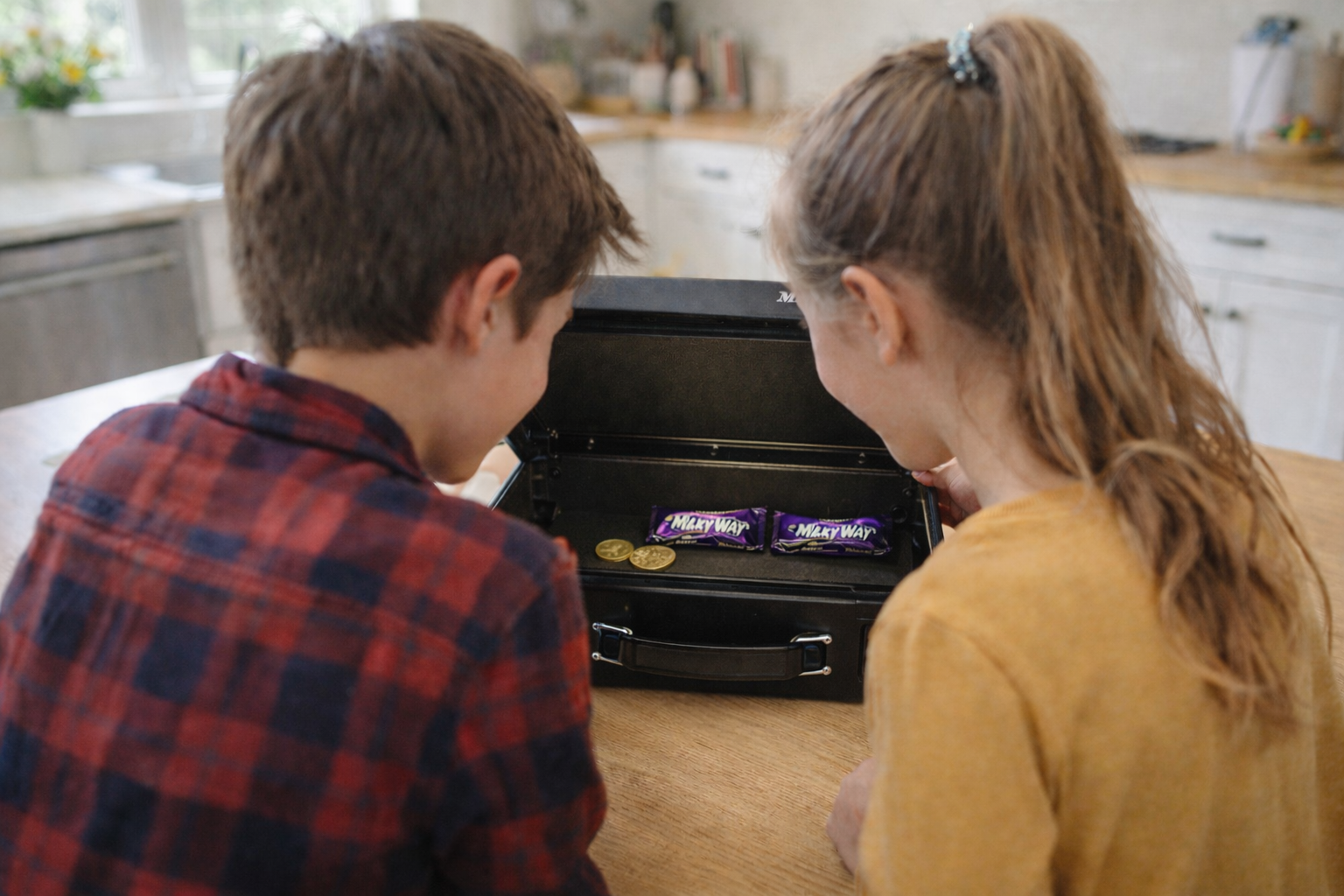
MathBlast worksheets already give you fun connectors and playful themes. Add a codelist plus the lock box above and you’ve got a full-on puzzle experience that really gets kids interested.
Try the codelist element